
Scroll / Paging
You can adjust the scrolling or paging properties of a container from its Property panel. To enable scrolling or paging layers inside a container, drag them into the target container from the Layer panel.
Scroll
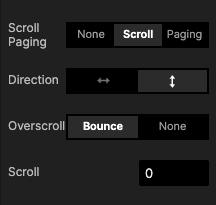
This option enables horizontal or vertical scrolling. To make sure your scroll interactions work flawlessly, make sure the child layers extend beyond the bounding box of the scroll container.

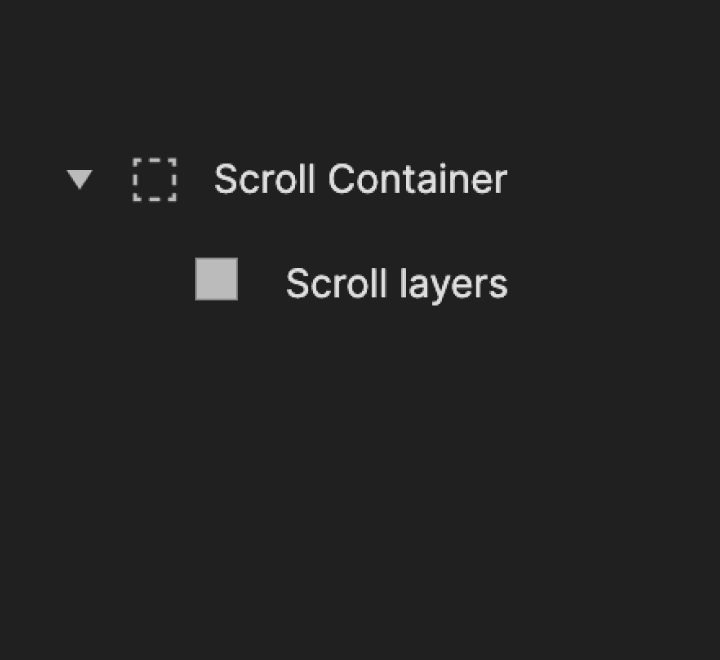
Properties
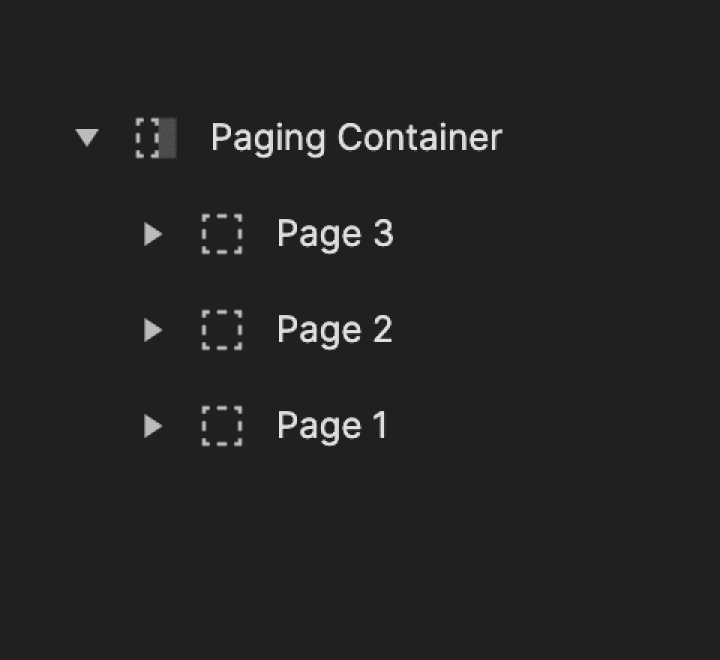
Paging
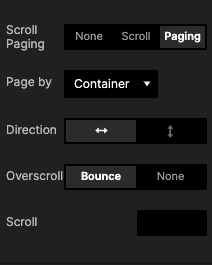
Paging refers to a container that snaps to the equivalent of its height or width, depending on the chosen direction (horizontal or vertical).

Properties
Scroll & Paging Use Cases
Learn how to effectively utilize scroll and paging for common scenarios. Discover how to create vertical and horizontal scroll views for mobile and desktop applications. Gain insights into correctly configuring scroll properties and selecting the right triggers and responses for scroll-related interactions.
Experience the prototypes firsthand and download them to examine their interactions. Additionally, explore our tutorials to understand the step-by-step process behind creating each prototype.
Find the use case you need below:
Browsing through a Social Media App
Like most social media apps function these days, you can make a horizontal and vertical scroll to browse through different profiles and photos. Learn how to add margins to the scroll views to maintain a similar UI (spaces at the end of the scroll) as in your apps.

Try the prototype yourself.
Learn how to create this prototype step-by-step.
Vertical Scroll in a Messaging App
Scroll up and down to see messages in a messaging app or email inbox. Create a scroll container and learn how to set a custom starting scroll position (for example, from the bottom).

Try the prototype yourself.
Learn how to create this prototype step-by-step.
Looping Scroll Carousel
As in online shopping websites or a gallery of images on video streaming platforms, you can create a slideshow. Learn how to use the paging container to make a carousel view and how to use variables to alternate image names while scrolling.

Try the prototype yourself.
Learn how to create this prototype step-by-step.
Wheel Picker
Make your own wheel picker to pick a date, time, etc. A wheel picker allows you to scroll up and down through multiple choices very quickly. It is useful, especially when the list of options cannot be fully displayed because they may exceed the available space on your screen.

Try the prototype yourself.
Learn how to create this prototype step-by-step.
Scrolling & Paging from the Middle
Allow your pages to scroll from the middle to both left and right. Learn how to set up the right container property to make it happen.

Try the prototype yourself.
Learn how to create this prototype step-by-step.
Infinite Paging Scroll
Make your pages scroll infinitely in both directions. Learn how to group pages using a paging container and use the range trigger to enable the infinite scroll.

Try the prototype yourself.
Learn how to create this prototype step-by-step.