
ProtoPie AI is here — Now in Beta. Learn More
ProtoPie AI is here — Now in Beta. Learn More
INSIGHTS & INSPIRATION
PRODUCT LEARNING & SUPPORT
INSIGHTS & INSPIRATION
PRODUCT LEARNING & SUPPORT
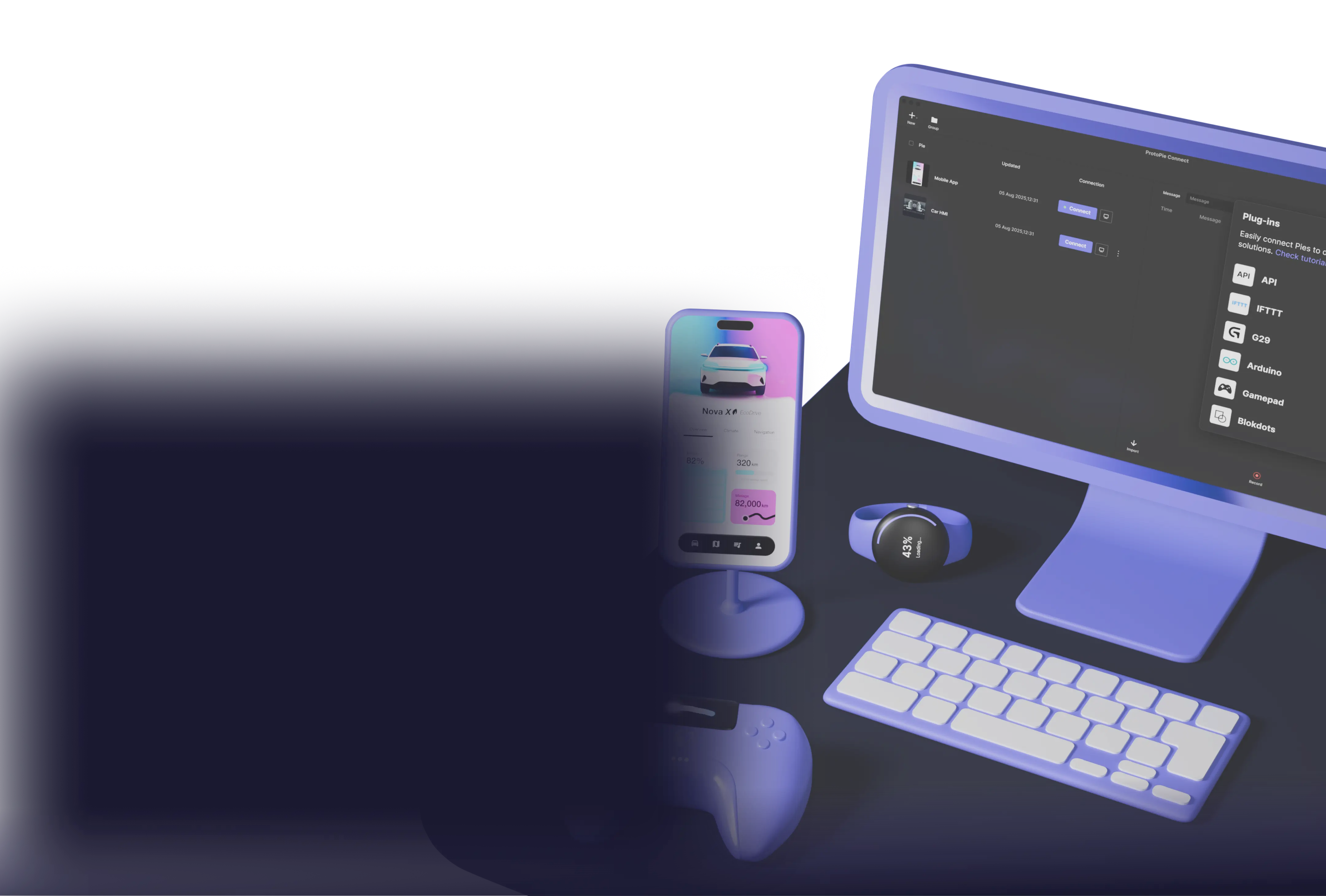
Unlock dynamic prototyping with ProtoPie Connect
Connect your prototypes to multiple screens, custom hardware, APIs, and more.
Download Connect
MacOS 10.15 Catalina or above, or Windows 10 or above required.
"ProtoPie is the simplest and most powerful no-coding-skill-required prototyping tool I have found. It changed the way my team and I prototype and it enables us to create fast prototypes for quick validation.”

Sebastien Gabriel
Senior Designer, Google
"ProtoPie is the simplest and most powerful no-coding-skill-required prototyping tool I have found. It changed the way my team and I prototype and it enables us to create fast prototypes for quick validation.”
Sebastien Gabriel
Senior Designer, Google
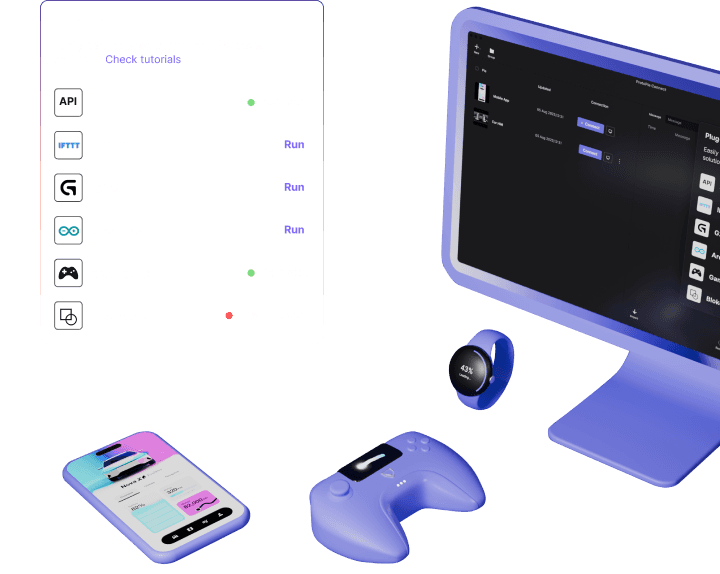
Advanced prototyping with custom hardware, web embeds, APIs, and more
Integrate and test prototypes with web embeds, live camera feeds, Unity projects, APIs, and more for enhanced interactivity.
Automotive
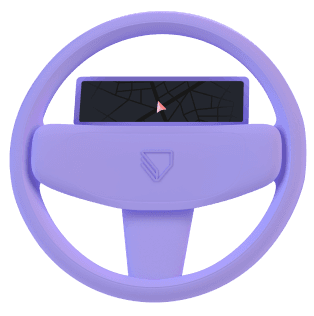
Control prototypes that interact with APIs and driving simulators and read signals from steering wheels, seats, and lights.
Game
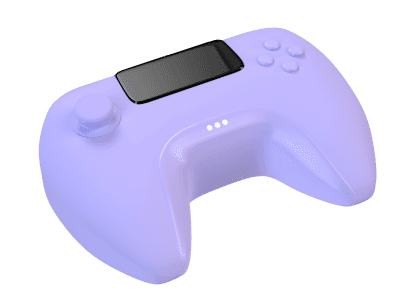
Embed ProtoPie in game engines like Unity and Unreal to create immersive experiences across mobile, desktop, and console platforms.
IoT
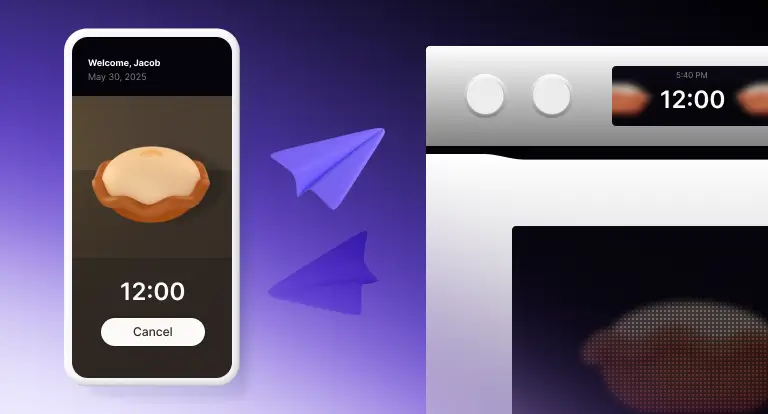
Streamline appliance and mobile app integration to emulate real-time device behavior for efficient user testing.
Robotics & MedTech
Use camera feeds in applications like surgery robots and medical imaging systems.
TV & Productions
Design the next-gen TV experience with rich interactive interfaces and dynamic data, using real remote controls for authentic user testing.
Advanced prototyping with custom hardware, web embeds, APIs, and more
Integrate and test prototypes with web embeds, live camera feeds, Unity projects, APIs, and more for enhanced interactivity.
Automotive
Control prototypes that interact with APIs and driving simulators and read signals from steering wheels, seats, and lights.
Game
Embed ProtoPie in game engines like Unity and Unreal to create immersive experiences across mobile, desktop, and console platforms.
IoT
Streamline appliance and mobile app integration to emulate real-time device behavior for efficient user testing.
Robotics & MedTech
Use camera feeds in applications like surgery robots and medical imaging systems.
TV & Productions
Design the next-gen TV experience with rich interactive interfaces and dynamic data, using real remote controls for authentic user testing.
Advanced prototyping with custom hardware, web embeds, APIs, and more
Integrate and test prototypes with web embeds, live camera feeds, Unity projects, APIs, and more for enhanced interactivity.
Automotive
Control prototypes that interact with APIs and driving simulators and read signals from steering wheels, seats, and lights.
Game
Embed ProtoPie in game engines like Unity and Unreal to create immersive experiences across mobile, desktop, and console platforms.
IoT
Streamline appliance and mobile app integration to emulate real-time device behavior for efficient user testing.
Robotics & MedTech
Use camera feeds in applications like surgery robots and medical imaging systems.
TV & Productions
Design the next-gen TV experience with rich interactive interfaces and dynamic data, using real remote controls for authentic user testing.
Advanced prototyping with custom hardware, web embeds, APIs, and more
Integrate and test prototypes with web embeds, live camera feeds, Unity projects, APIs, and more for enhanced interactivity.
Automotive
Control prototypes that interact with APIs and driving simulators and read signals from steering wheels, seats, and lights.
Game
Embed ProtoPie in game engines like Unity and Unreal to create immersive experiences across mobile, desktop, and console platforms.
IoT
Streamline appliance and mobile app integration to emulate real-time device behavior for efficient user testing.
Robotics & MedTech
Use camera feeds in applications like surgery robots and medical imaging systems.
TV & Productions
Design the next-gen TV experience with rich interactive interfaces and dynamic data, using real remote controls for authentic user testing.
Explore ProtoPie Connect's tiers for enhanced prototyping
Connect Free
Try for free with the Free plan.
Connect Core
Ideal for professionals & small teams.
Connect Enterprise
For large teams & organizations.
Explore ProtoPie Connect's tiers for enhanced prototyping
Connect Free
Try for free with the Free plan.
Connect Core
Ideal for professionals & small teams.
Connect Enterprise
For large teams & organizations.
Explore ProtoPie Connect's tiers for enhanced prototyping
Connect Free
Try for free with the Free plan.
Connect Core
Ideal for professionals & small teams.
Connect Enterprise
For large teams & organizations.
Explore ProtoPie Connect's tiers for enhanced prototyping
Connect Free
Try for free with the Free plan.
Connect Core
Ideal for professionals & small teams.
Connect Enterprise
For large teams & organizations.
Powerful features for realism, interactivity, and dynamic user testing
Web embeds & camera feeds
Add camera feeds and live streaming URLs for real-time visual context. Import web embed content like 3D objects & maps via URL or iframe code.
APIs & real data
Unity & Unreal integrations
Custom plugins & bridge apps
Multiple screens & devices
Smartwatch prototyping
Powerful features for realism, interactivity, and dynamic user testing
Web embeds & camera feeds
Add camera feeds and live streaming URLs for real-time visual context. Import web embed content like 3D objects & maps via URL or iframe code.
APIs & real data
More Details
Unity & Unreal integrations
More Details
Custom plugins & bridge apps
More Details
Multiple screens & devices
More Details
Smartwatch prototyping
More Details
Powerful features for realism, interactivity, and dynamic user testing
Web embeds & camera feeds
Add camera feeds and live streaming URLs for real-time visual context. Import web embed content like 3D objects & maps via URL or iframe code.
APIs & real data
More Details
Unity & Unreal integrations
More Details
Custom plugins & bridge apps
More Details
Multiple screens & devices
More Details
Smartwatch prototyping
More Details
Powerful features for realism, interactivity, and dynamic user testing
Web embeds & camera feeds
Add camera feeds and live streaming URLs for real-time visual context. Import web embed content like 3D objects & maps via URL or iframe code.
APIs & real data
More Details
Unity & Unreal integrations
More Details
Custom plugins & bridge apps
More Details
Multiple screens & devices
More Details
Smartwatch prototyping
More Details
Interested in ProtoPie Connect for your enterprise? Contact our sales team for custom solutions.
Interested in ProtoPie Connect for your enterprise? Contact our sales team for custom solutions.
Interested in ProtoPie Connect for your enterprise? Contact our sales team for custom solutions.
Interested in ProtoPie Connect for your enterprise? Contact our sales team for custom solutions.
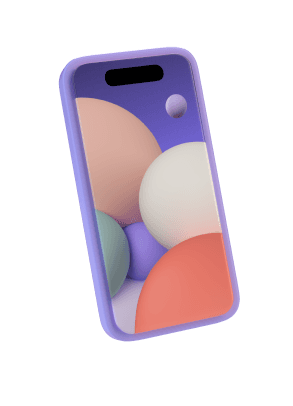
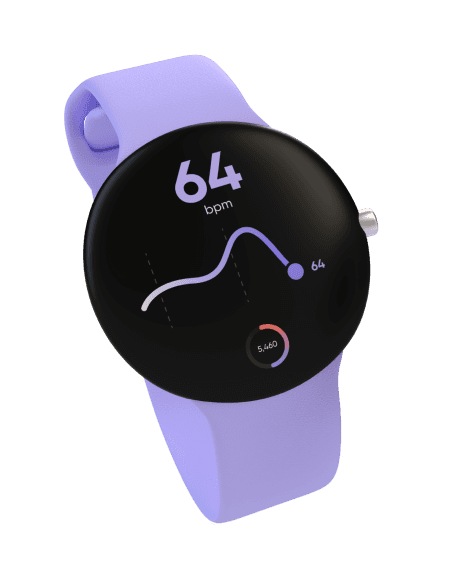
Prototype, share, test, and connect for a fully interactive prototyping experience
Discover how ProtoPie Connect integrates seamlessly into the ProtoPie ecosystem..

Prototype

Share

Integrate & Connect

Test
Prototype, share, test, and connect for a fully interactive prototyping experience
Discover how ProtoPie Connect integrates seamlessly into the ProtoPie ecosystem..
Prototype
Share
Integrate & Connect
Test
Prototype, share, test, and connect for a fully interactive prototyping experience
Discover how ProtoPie Connect integrates seamlessly into the ProtoPie ecosystem..
Prototype
Share
Integrate & Connect
Test
Prototype, share, test, and connect for a fully interactive prototyping experience
Discover how ProtoPie Connect integrates seamlessly into the ProtoPie ecosystem..
Prototype
Share
Integrate & Connect
Test
ProtoPie School
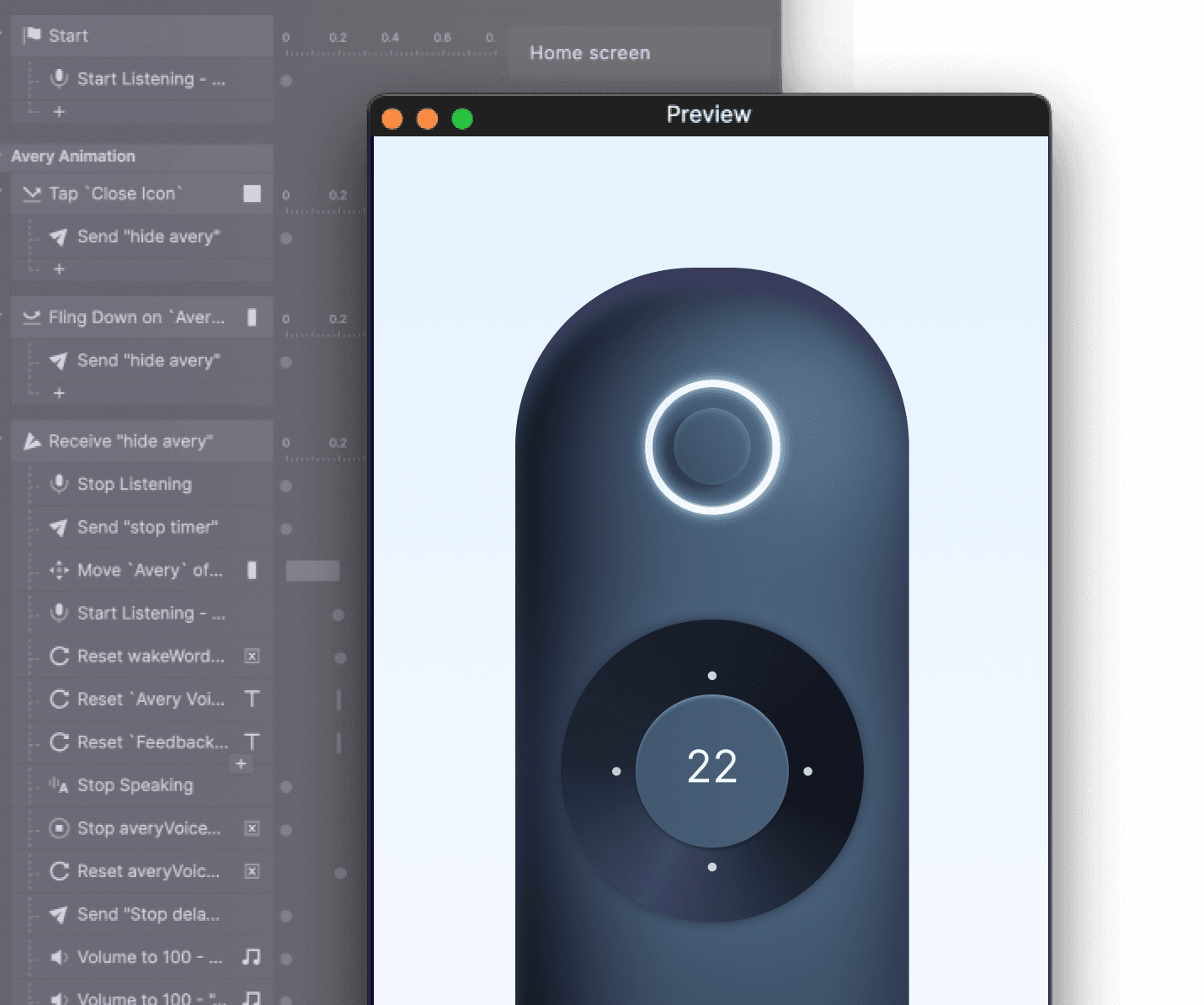
Complete Guide to ProtoPie Connect
Learn to build software and hardware-integrated prototypes, and run them on multiple screens and devices. Course also available in 한국어 and 日本語.
ProtoPie School
Complete Guide to ProtoPie Connect
Learn to build software and hardware-integrated prototypes, and run them on multiple screens and devices. Course also available in 한국어 and 日本語.
ProtoPie School
Complete Guide to ProtoPie Connect
Learn to build software and hardware-integrated prototypes, and run them on multiple screens and devices. Course also available in 한국어 and 日本語.
ProtoPie School
Complete Guide to ProtoPie Connect
Learn to build software and hardware-integrated prototypes, and run them on multiple screens and devices. Course also available in 한국어 and 日本語.
FAQs
How do I add the Connect add-on to my Pro plan?
You can choose the Connect add-on directly while subscribing to the Pro plan. If you decide to add it later, simply visit the Manage Billing page on ProtoPie Cloud to purchase the add-on.
If your Pro plan subscription was started before May 9, 2024, and you wish to remove the Connect add-on, follow these steps.
How do I add the Connect add-on to my Basic plan?
To add the Connect add-on to your existing Basic plan, please visit the Manage Billing section on ProtoPie Cloud and select the add-on for purchase. If you are new and planning to subscribe to the Basic plan, you can include the Connect add-on during your initial subscription process.
How is the Connect add-on billed?
If you're on the Pro plan, you must purchase the Connect add-on for each individual editor from your team, not for the team as a whole.
If your team consists of 5 editors, you must purchase the add-on for each editor; it cannot be applied to just one or a few editors.
The add-on is billed according to your subscription plan: monthly if you're on a monthly plan and annually if you're on an annual plan (applicable to both Basic and Pro plans).
What are the advantages of Connect Enterprise?
Connect Core and Connect Enterprise offer advanced prototyping features to meet various needs. However, Connect Enterprise sets itself apart by offering exclusive, specialized features.
Custom Plugins/Bridge Apps: Employ socket.IO to develop tailored connectivity and integration solutions.
Unity Integrations: Seamlessly integrate with Unity to further enhance the capabilities of your interactive prototypes.
Connect Embedded: Directly implement prototypes within embedded systems to ensure seamless user experiences.
Refer to our feature comparison table for more details.
Can I connect multiple Arduino devices through ProtoPie Connect?
The ProtoPie Connect Arduino plugin only allows for the connection of one device at a time. However, if you are an Enterprise plan user, you can create bridge apps to connect multiple Arduino devices simultaneously.
Can I try ProtoPie Connect with the Free plan?
Yes, as a Free plan user, you can try ProtoPie Connect at no cost. Simply download ProtoPie Connect and log in using your free plan email address.
Note that the free version has certain limitations. To access additional features, consider upgrading to Connect Core or Enterprise.
FAQs
How do I add the Connect add-on to my Pro plan?
You can choose the Connect add-on directly while subscribing to the Pro plan. If you decide to add it later, simply visit the Manage Billing page on ProtoPie Cloud to purchase the add-on.
If your Pro plan subscription was started before May 9, 2024, and you wish to remove the Connect add-on, follow these steps.
How do I add the Connect add-on to my Basic plan?
To add the Connect add-on to your existing Basic plan, please visit the Manage Billing section on ProtoPie Cloud and select the add-on for purchase. If you are new and planning to subscribe to the Basic plan, you can include the Connect add-on during your initial subscription process.
How is the Connect add-on billed?
If you're on the Pro plan, you must purchase the Connect add-on for each individual editor from your team, not for the team as a whole.
If your team consists of 5 editors, you must purchase the add-on for each editor; it cannot be applied to just one or a few editors.
The add-on is billed according to your subscription plan: monthly if you're on a monthly plan and annually if you're on an annual plan (applicable to both Basic and Pro plans).
What are the advantages of Connect Enterprise?
Connect Core and Connect Enterprise offer advanced prototyping features to meet various needs. However, Connect Enterprise sets itself apart by offering exclusive, specialized features.
Custom Plugins/Bridge Apps: Employ socket.IO to develop tailored connectivity and integration solutions.
Unity Integrations: Seamlessly integrate with Unity to further enhance the capabilities of your interactive prototypes.
Connect Embedded: Directly implement prototypes within embedded systems to ensure seamless user experiences.
Refer to our feature comparison table for more details.
Can I connect multiple Arduino devices through ProtoPie Connect?
The ProtoPie Connect Arduino plugin only allows for the connection of one device at a time. However, if you are an Enterprise plan user, you can create bridge apps to connect multiple Arduino devices simultaneously.
Can I try ProtoPie Connect with the Free plan?
Yes, as a Free plan user, you can try ProtoPie Connect at no cost. Simply download ProtoPie Connect and log in using your free plan email address.
Note that the free version has certain limitations. To access additional features, consider upgrading to Connect Core or Enterprise.
FAQs
How do I add the Connect add-on to my Pro plan?
You can choose the Connect add-on directly while subscribing to the Pro plan. If you decide to add it later, simply visit the Manage Billing page on ProtoPie Cloud to purchase the add-on.
If your Pro plan subscription was started before May 9, 2024, and you wish to remove the Connect add-on, follow these steps.
How do I add the Connect add-on to my Basic plan?
To add the Connect add-on to your existing Basic plan, please visit the Manage Billing section on ProtoPie Cloud and select the add-on for purchase. If you are new and planning to subscribe to the Basic plan, you can include the Connect add-on during your initial subscription process.
How is the Connect add-on billed?
If you're on the Pro plan, you must purchase the Connect add-on for each individual editor from your team, not for the team as a whole.
If your team consists of 5 editors, you must purchase the add-on for each editor; it cannot be applied to just one or a few editors.
The add-on is billed according to your subscription plan: monthly if you're on a monthly plan and annually if you're on an annual plan (applicable to both Basic and Pro plans).
What are the advantages of Connect Enterprise?
Connect Core and Connect Enterprise offer advanced prototyping features to meet various needs. However, Connect Enterprise sets itself apart by offering exclusive, specialized features.
Custom Plugins/Bridge Apps: Employ socket.IO to develop tailored connectivity and integration solutions.
Unity Integrations: Seamlessly integrate with Unity to further enhance the capabilities of your interactive prototypes.
Connect Embedded: Directly implement prototypes within embedded systems to ensure seamless user experiences.
Refer to our feature comparison table for more details.
Can I connect multiple Arduino devices through ProtoPie Connect?
The ProtoPie Connect Arduino plugin only allows for the connection of one device at a time. However, if you are an Enterprise plan user, you can create bridge apps to connect multiple Arduino devices simultaneously.
Can I try ProtoPie Connect with the Free plan?
Yes, as a Free plan user, you can try ProtoPie Connect at no cost. Simply download ProtoPie Connect and log in using your free plan email address.
Note that the free version has certain limitations. To access additional features, consider upgrading to Connect Core or Enterprise.
FAQs
How do I add the Connect add-on to my Pro plan?
You can choose the Connect add-on directly while subscribing to the Pro plan. If you decide to add it later, simply visit the Manage Billing page on ProtoPie Cloud to purchase the add-on.
If your Pro plan subscription was started before May 9, 2024, and you wish to remove the Connect add-on, follow these steps.
How do I add the Connect add-on to my Basic plan?
To add the Connect add-on to your existing Basic plan, please visit the Manage Billing section on ProtoPie Cloud and select the add-on for purchase. If you are new and planning to subscribe to the Basic plan, you can include the Connect add-on during your initial subscription process.
How is the Connect add-on billed?
If you're on the Pro plan, you must purchase the Connect add-on for each individual editor from your team, not for the team as a whole.
If your team consists of 5 editors, you must purchase the add-on for each editor; it cannot be applied to just one or a few editors.
The add-on is billed according to your subscription plan: monthly if you're on a monthly plan and annually if you're on an annual plan (applicable to both Basic and Pro plans).
What are the advantages of Connect Enterprise?
Connect Core and Connect Enterprise offer advanced prototyping features to meet various needs. However, Connect Enterprise sets itself apart by offering exclusive, specialized features.
Custom Plugins/Bridge Apps: Employ socket.IO to develop tailored connectivity and integration solutions.
Unity Integrations: Seamlessly integrate with Unity to further enhance the capabilities of your interactive prototypes.
Connect Embedded: Directly implement prototypes within embedded systems to ensure seamless user experiences.
Refer to our feature comparison table for more details.
Can I connect multiple Arduino devices through ProtoPie Connect?
The ProtoPie Connect Arduino plugin only allows for the connection of one device at a time. However, if you are an Enterprise plan user, you can create bridge apps to connect multiple Arduino devices simultaneously.
Can I try ProtoPie Connect with the Free plan?
Yes, as a Free plan user, you can try ProtoPie Connect at no cost. Simply download ProtoPie Connect and log in using your free plan email address.
Note that the free version has certain limitations. To access additional features, consider upgrading to Connect Core or Enterprise.